

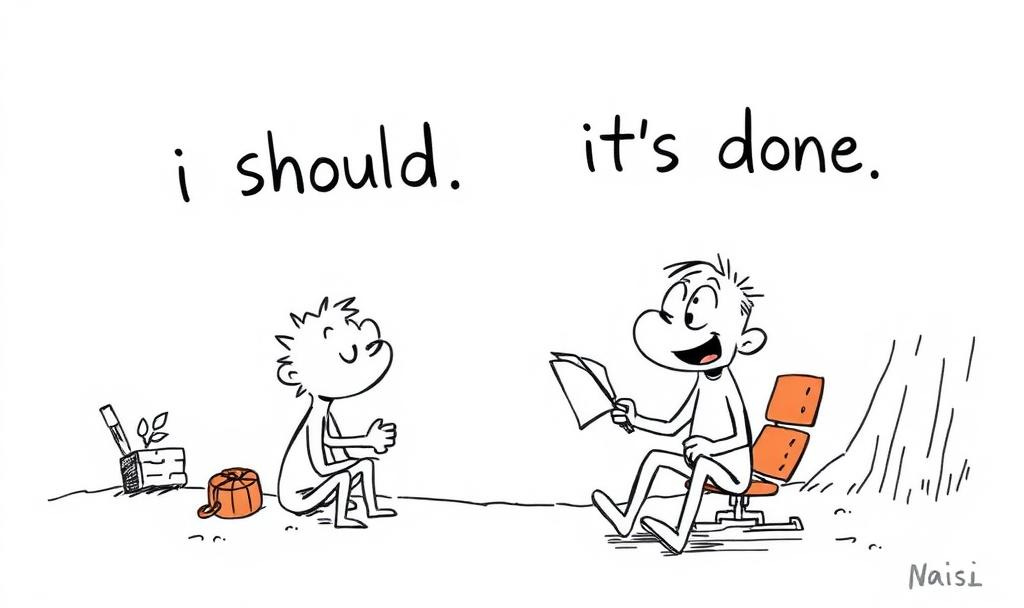
How I Shrunk the Gap Between “I Should” and “It’s Done”
A simple, repeatable system to quiet the noise, start faster, and finish more—plus premium templates for paid readers.

It was 9:13 a.m. My coffee is cooling. My multiple tabs on my Mac are glaring at me like unpaid parking tickets.
I knew exactly what to do next: outline a newsletter, send two emails, and review notes for a client call. But knowing didn’t turn into doing. That dead zone has a name: latency—the silent delay between “I should” and “I started.”
I used to blame laziness. Then I noticed something else: the work I avoided wasn’t hard. It was clicking work—the mindless steps between “I know” and “it’s done”: finding the doc, opening the correct folder, loading the template, naming the file, grabbing last week’s numbers. Each click drained a drop of focus until my brain chose the easy hit: anything but the work.
So I built a tiny system to make those clicks vanish. I call it The Latency Budget.
It’s not a calendar. Not a new app. It’s a way to spend the first 10 minutes of any task so that the rest of the time is effortless.
This is the playbook I use now across writing, client work, and life admin. It’s simple, boring, and works frighteningly well.
Let’s walk it.
The Problem I Kept Pretending I Didn’t Have
I’d sit down to write and burn 7 minutes hunting for last week’s outline.
I’d open Todoist and drown in tasks that all looked equally important.
I’d promise myself a “quick email” and end up polishing sentences no one noticed.
Meanwhile, my brain hummed with guilt—You’ve been doing this for decades. Why is this still hard? At 65, I’m sharper than I’ve ever been, but context switching still taxes me more than I admit. Latency grew whenever I didn’t trust my next move.
The twist: once the first proper click happened—the one that commits me—I almost always kept going. The real battle wasn’t stamina. It was entry friction.
So I redesigned only the entry.
The Latency Budget has four pieces. Think of it like stocking a tiny kitchen so you can cook without thinking.
Focus Pantry (pre-stock your workbench).
Click Cards (micro-SOPs you can follow half-asleep).
The Two-Tab Rule (guardrails for attention).
The Evidence File (proof that you’re the type who finishes).
1) Focus Pantry: Put the Work One Click Away
The Focus Pantry is a single folder (or note) that holds exactly what your following 5–7 tasks need.
A “Today” note with links to the proper docs.
Your go-to template for a newsletter, client update, or outreach email.
The last version you shipped, so you can start by duplicating success.
I keep my pantry in Apple Notes (could be Notion, Craft, Obsidian—use what you already love). The rule is simple: If Future-You needs it, put it here now. Even 20 seconds of hunting is too much. Latency loves hide-and-seek.
2) Click Cards: Half-Page Recipes for Starting
Every recurring task receives a Click Card—a half-page checklist that begins with the actual first click. Not “Brainstorm topic,” but “Open ‘Newsletter – Master Template’ and duplicate.”
Why it works: your brain responds to specificity. “Open. Duplicate. Rename. Paste.” Once motion starts, you’re in.
3) The Two-Tab Rule: Focus Has a Physical Shape
Two tabs. That’s it.
Tab A: your source (outline, data, brief).
Tab B: your output (draft, deck, email).
If you need something else, feel free to swap it in. But only two live at once. Extra tabs get parked in a tray window or tucked under an “Overflow” bookmark folder. Focus becomes visible: two tabs = doing; seven tabs = deciding.
4) The Evidence File: Confidence on a Page
You don’t need motivation when you have evidence. Mine is a simple table with three columns: Date, Task, and Proof Link. Each row is a tiny receipt: a sent newsletter, a shipped proposal, a finished script. No judgment, just receipts.
After two weeks, the pattern is loud: I finish things. That belief cuts latency in half.
How do I Use It in Real Life?
Writing a Substack post
Pantry contains: master template, “Ideas Park,” last week’s post, and hero image folder.
Click Card: open template → duplicate → rename
YYYY-MM-DD – Title→ paste hook → set 25-minute timer.Two-Tab: left = template, right = my draft.
Evidence: link to the published post.
Client follow-up
The pantry has the following documents: “Client IO” document, last call notes, and follow-up template.
Click Card: open template → swap client name → paste 2 bullets from notes → add next steps → send.
Two-Tab: notes + email compose window.
Evidence: link to the sent email.
Admin (the soul-sucking stuff)
The pantry contains: a receipts folder, a quick invoice template, and a recurring bills cheat sheet.
Click Card: open invoice sheet → duplicate last invoice → update date/amount → export PDF → email.
Two-Tab: invoice + email.
Evidence: link to the PDF.
It’s not sexy. It’s repeatable. And it keeps me honest.
Make It Yours in 20 Minutes
Step 1: Build your Focus Pantry (7 minutes).
Create one folder/note: “🗂️ Focus Pantry.” Add quick links to your next three projects. Drop in last week’s version and the template you usually Google at the last minute.
Step 2: Write two Click Cards (8 minutes).
Pick two recurring tasks you avoid. Draft four to six concrete steps each—the first step must be a click you can do even when tired.
Step 3: Turn on the Two-Tab Rule (5 minutes).
Close everything. Open source + output. Keep it that way for the next session.
Then run it once—right now, for 10 minutes. Don’t wait for Monday.
Troubleshooting the Human Stuff
“This feels too simple.”
Good. Complexity is a procrastination costume. Keep it boring.“I broke the Two-Tab Rule.”
No drama. Close the extras and return. The rule exists to be reset.“I missed a day.”
Your Evidence File is a mirror, not a judge. Skip the shame and add the following receipt.“My Click Card is already out of date.”
Great news—you’re learning. Update it. Version 2 is the point.“I keep switching apps because maybe the next one will fix me.”
The pantry lives in any app. The habit lives in you.
Why This Works (and Keeps Working)
Every task contains two jobs: decide and do. Decision fatigue is sneaky; it often appears as checking one more thing “just to be safe.”
The Latency Budget front-loads decisions into the pantry and card, then uses visible constraints (two tabs) and identity evidence to remove doubt.
You don’t need to fight yourself. You remove the fight.
The Takeaway
Shrink the gap. Start with one proper click.
Stock your pantry. Follow your card. Keep only two tabs. Save your evidence.
You’ll feel it on day one.
And now, for paid subscribers, I’m sharing the exact templates I use daily, along with a 7-day micro-challenge to help you make this stick.
Keep reading with a 7-day free trial
Subscribe to Revitalize Your Productivity Mojo to keep reading this post and get 7 days of free access to the full post archives.